Custom Ink Color Palette
Pick traditional dark navy or black ink, or select custom brand colors using the hex color wheel.
Προσαρμοσμένη Υπογραφή
Draw it, type your name in a cursive or handwriting font, or upload a photo of your signature. Copy and paste it straight into Word, a PDF, an email or a form — or download a transparent PNG or SVG. Free, no account, and nothing you sign leaves your browser.
Pick traditional dark navy or black ink, or select custom brand colors using the hex color wheel.
Angle your signature slightly to make typed signatures feel organic, natural, and less computer-generated.
Fine-tune font size, letter spacing, and line stroke width to match your exact visual preference.
Legal & privacy
The signature you design here is the same mark you will place on agreements, forms, and invoices, so it is worth knowing how that mark is treated once it lands on a document.
United States
ESIGN Act (2000) & UETA
European Union
eIDAS (2014)
United Kingdom
Electronic Communications Act 2000
Worldwide
Recognised in most jurisdictions
Where a signature may not be enough. A small number of documents still require a handwritten signature or notarisation — wills and testamentary documents, some court filings, and certain government or immigration forms. If you are signing something in that category, check the receiving party’s requirements first. For contracts, agreements, invoices, NDAs, offer letters, leases, and everyday paperwork, a simple electronic signature is the standard.
Contracts & agreements
Insert your PNG into an offer, NDA, or service agreement and send it back the same day.
Invoices & quotes
Sign the bottom of a PDF invoice with a consistent mark your clients recognise.
Forms & applications
Place a signature on tenancy, enrolment, or membership forms without printing anything.
A reusable master
Keep one transparent PNG on hand so every document carries the same signature.
Your files stay yours. Everything is processed in your browser. Your signature image and any document you sign are never uploaded, stored, or shared on our servers, and they are gone the moment you close the tab.






FAQ
Όσο συχνά θέλετε — δεν υπάρχει περιορισμός. Δημιουργήστε υπογραφή για κάθε ανάγκη.
Ναι, δοκιμάστε διάφορες γραμματοσειρές, χρώματα και στυλ, και κατεβάστε όσες χρειάζεστε.
A custom signature is more than just your name written in a fancy font — it's your personal mark on contracts, emails, letters, and forms. Whether you're signing a real estate lease, approving a business proposal, or adding a professional touch to your email footer, the right signature conveys authority and authenticity.
Generic typed signatures often look flat and impersonal. A custom signature lets you fine-tune every detail — from the ink color and stroke thickness to the font style and slant angle — so the final result looks like it was naturally written by hand rather than generated by a computer. This level of personalization matters because the recipient of your document will notice the difference between a rushed, plain signature and one that looks carefully crafted.
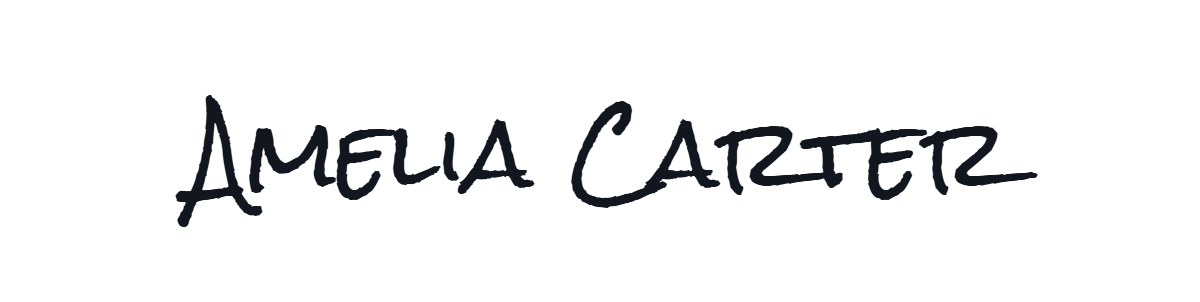
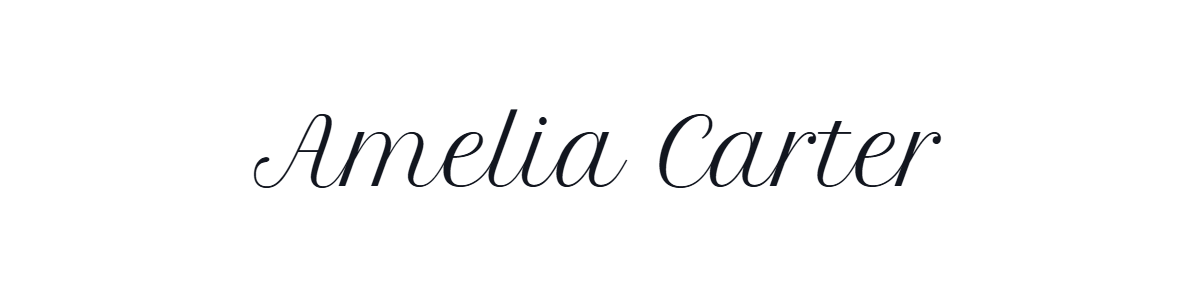
Our custom signature generator offers three distinct creation methods, each suited to different needs:
Once you've created and downloaded your signature, you can place it on virtually any document. Use it in Word documents and Google Docs by inserting the PNG image, attach it to your email client's signature settings, place it on PDF contracts with our PDF signing tool, or add it to printed letterheads and business cards as a high-resolution SVG vector.
For recurring documents, save your signature file in an easily accessible folder — cloud storage works great — so you can grab it whenever a new form or agreement needs your personal mark.
Most people want a signature that reads as handwriting rather than a typed name, which is why the cursive styles get used first. Every face in the library is a real handwriting or script font — looped copperplate, lighter contemporary scripts, marker and pencil styles — so the decision is how formal you want the result to look, not whether it looks handwritten at all. If you would rather choose the style first and generate the signature afterwards, browse the cursive and handwriting fonts and open any of them in this generator.
A quick way to pick: a cursive signature with a long looped entry stroke and a heavy main stroke is the most formal, and is what reads best on a lease or a tax form. Lighter cursive scripts suit a signature that sits in a line of 11-point body text, and the marker and pencil faces are for documents where a signature has to be visible rather than elegant. Whichever you choose, type your name in it first and check the descenders on letters like g and y — those are what clip when a signature is scaled down on a printed page.
People search for all three names, and they describe the same thing. Whether you call it a signature maker, a signature generator, a signature creator or an online signature tool, what you get here is identical: draw, type or upload, adjust the size and angle, then copy or download. No feature is held back behind a different name, and there is no separate paid version.
There is no account to create, no email to confirm and no watermark on the export. More importantly there is no upload in the first place — the tool runs entirely in your browser, so nothing is transmitted and the site has no endpoint that could receive a document. That is a different promise from "we delete your files afterwards": nothing arrives to delete. If you need the signature immediately, the copy button places it on your clipboard as a transparent PNG, ready to paste into Word, Google Docs, a PDF or an email.